Create a configured project that is not associated with a quote
Comment créer un
projet configuré
Would you like to create a configured project without linking it to a quote?
(Draft project)
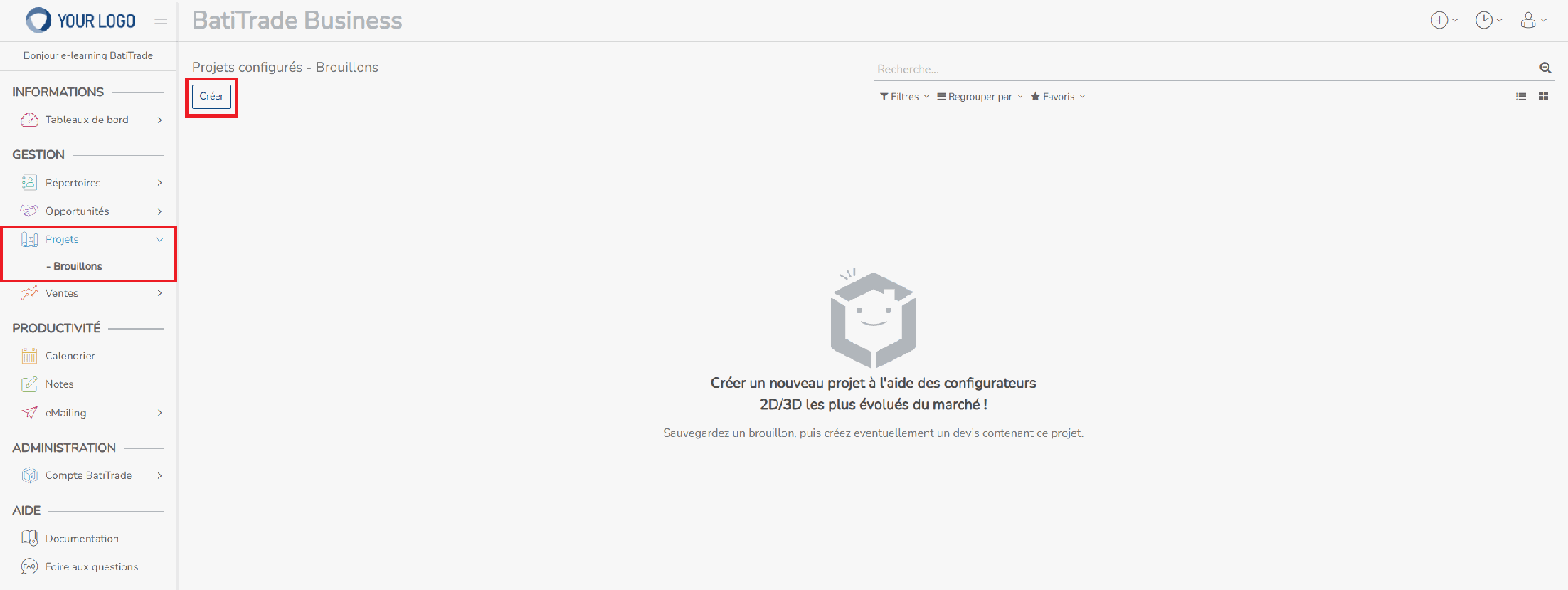
Log in to your MyBusiness account, go to the Projects menu, then click on Create.
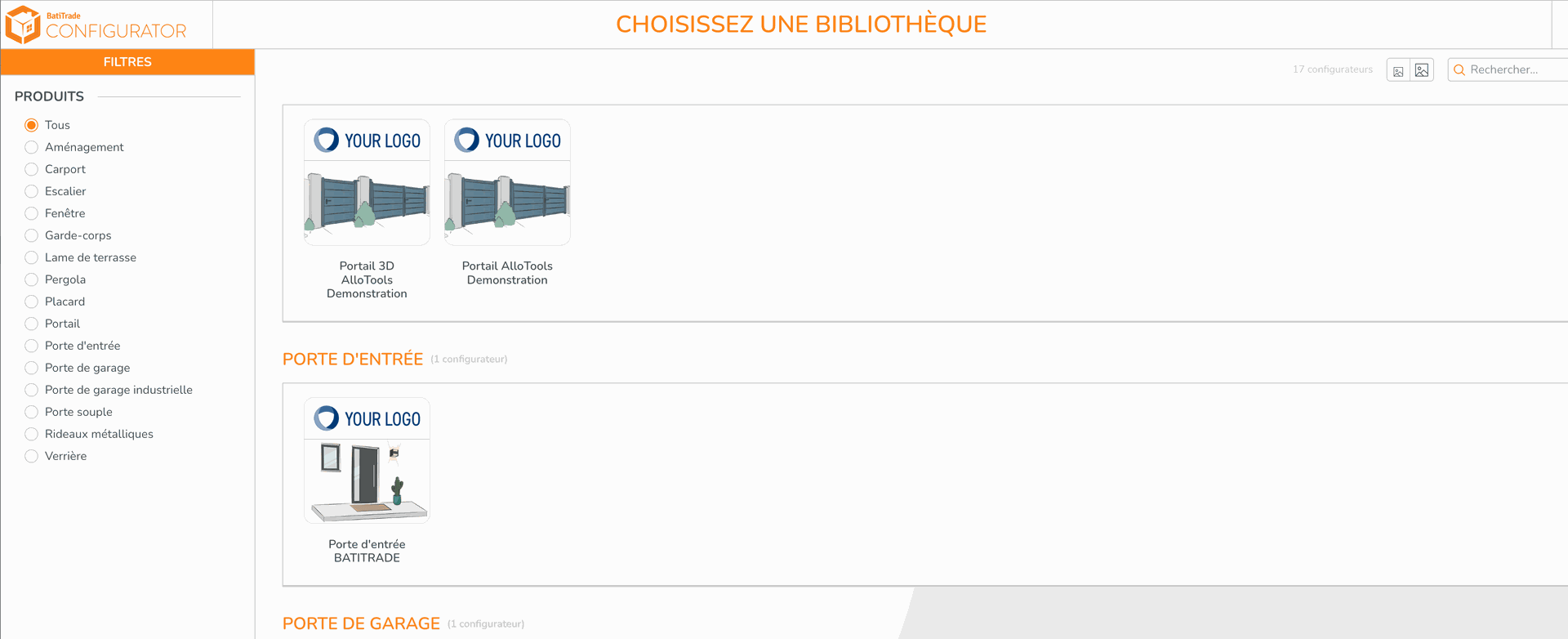
The MyBusiness configurator opens. Configure your project, then validate it.
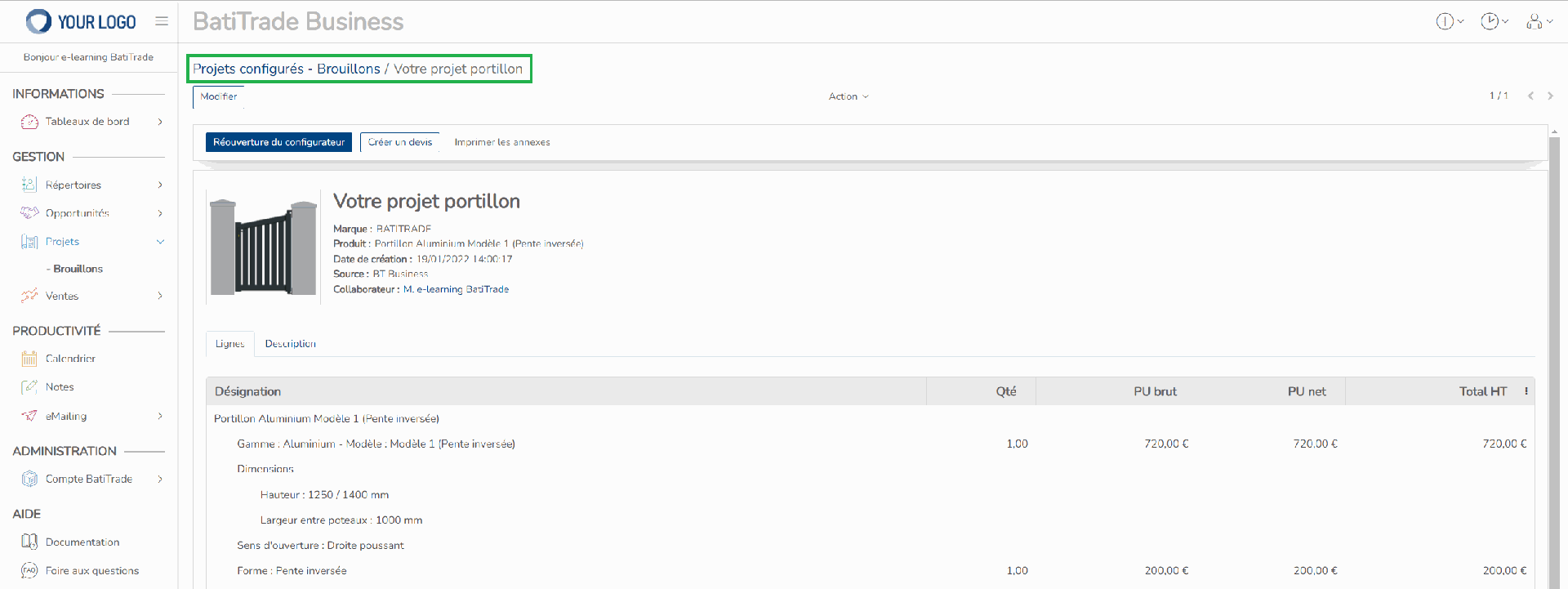
Once your project is configured, you are redirected to the project file, which contains its details.
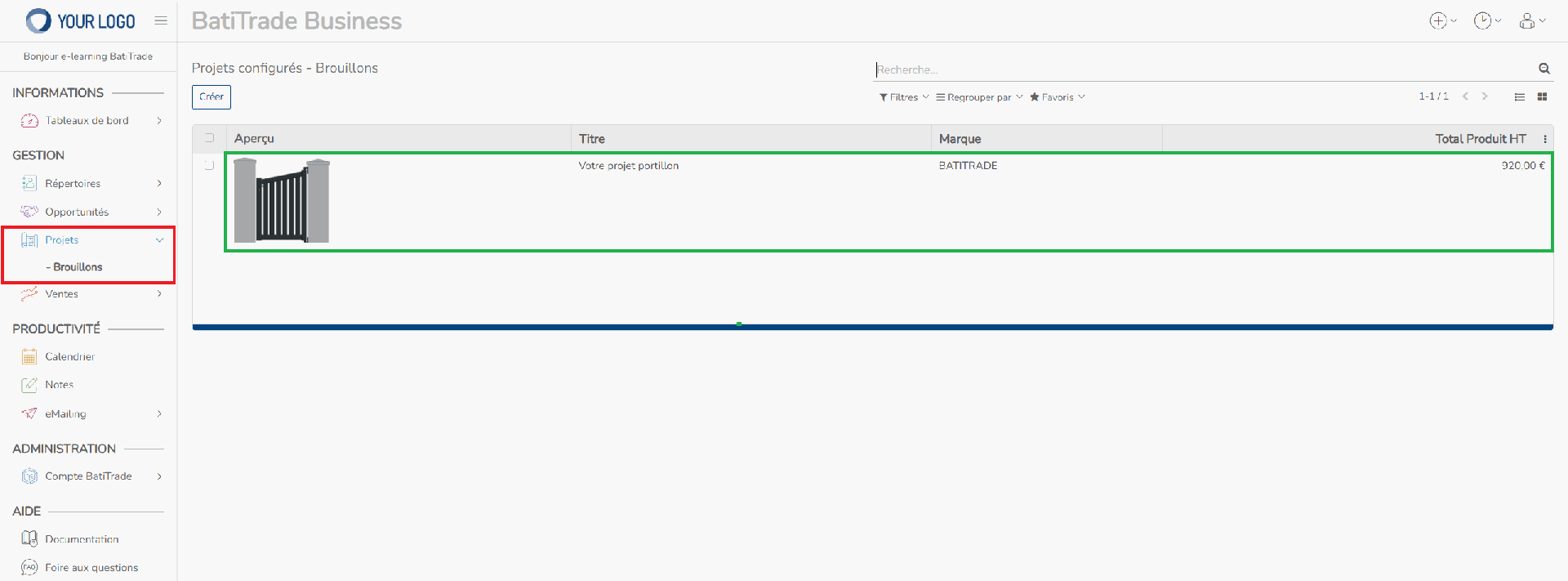
Your project has been successfully created and saved, as you can see in the Projects menu.
You have created a configured project that is not linked to a quote !
You can link the project you just created to a quote by following the procedure here
Rating
There are no comments for now.
to be the first to leave a comment.